
http://www.edumobile.org/iphone/iphone-programming-tutorials/scrollview-example-in-iphone/
위 사이트에서 설명을 볼수 있다.
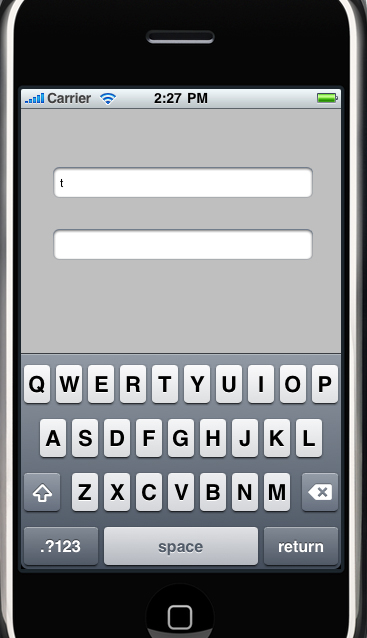
터치폰에서 키보드 때문에 가려지는 view를 자동으로 위로 올려주는 기능이다
- (void) viewWillAppear:(BOOL)animated {
[super viewWillAppear:animated];
[[NSNotificationCenter defaultCenter]
addObserver:self
selector:@selector
(keyboardDidShow:)
name: UIKeyboardDidShowNotification
object:nil];
[[NSNotificationCenter defaultCenter]
addObserver:self
selector:@selector
(keyboardDidHide:) name:
UIKeyboardDidHideNotification
object:nil];
scrollview.contentSize = CGSizeMake(SCROLLVIEW_CONTENT_WIDTH,
SCROLLVIEW_CONTENT_HEIGHT);
[super viewWillAppear:animated];
[[NSNotificationCenter defaultCenter]
addObserver:self
selector:@selector
(keyboardDidShow:)
name: UIKeyboardDidShowNotification
object:nil];
[[NSNotificationCenter defaultCenter]
addObserver:self
selector:@selector
(keyboardDidHide:) name:
UIKeyboardDidHideNotification
object:nil];
scrollview.contentSize = CGSizeMake(SCROLLVIEW_CONTENT_WIDTH,
SCROLLVIEW_CONTENT_HEIGHT);
displayKeyboard = NO;
}











댓글 달기